Get started
MDMongoose is master data management that runs entirely inside Databricks: one hierarchy stored in one Delta table, a web app on Databricks Apps, and incremental Spark Declarative Pipelines for loading and exporting. Everything deploys from one bundle — and it works on Databricks Free Edition.
What is in this documentation
| Page | Read it when you want to… |
|---|---|
| Overview of features | see what MDMongoose does, feature by feature |
| Architecture | understand how the app, the Delta table, jobs and pipelines fit together — with Ingestion, Data quality and Export |
| Deployment | install MDMongoose in your workspace and upgrade it later |
| Demo on Free Edition | try the full demo on a free Databricks account, step by step |
| User guide | learn the main screen: hierarchy, properties, actions and dialogs |
| Enum, Link and Array | use properties that point to other nodes |
| Edit Children | edit many nodes at once in the Excel-like grid |
| Importing data | load a source table: staging table, record type, Table node, refresh, schedule |
| Creating master data | build golden records: matching, survivorship rules, master data records |
| Modifying data | add, move, link and delete nodes and build hierarchies |
| Exporting to CSV and Excel | download a branch from the app |
| Exporting with materialized views | serve master data to other Databricks consumers |
| Security | connect Unity Catalog groups and set permission levels |
| Monitoring | check pipelines, jobs, data and data quality |
The five-minute version
- Deploy the bundle from a Databricks Git folder (Deployments panel → Deploy), then run the mdm_init job once. It creates the table, the system definitions and — if you keep the demo on — demo data with customers, suppliers, employees and products. → Deployment, or follow Demo on Free Edition for a free account
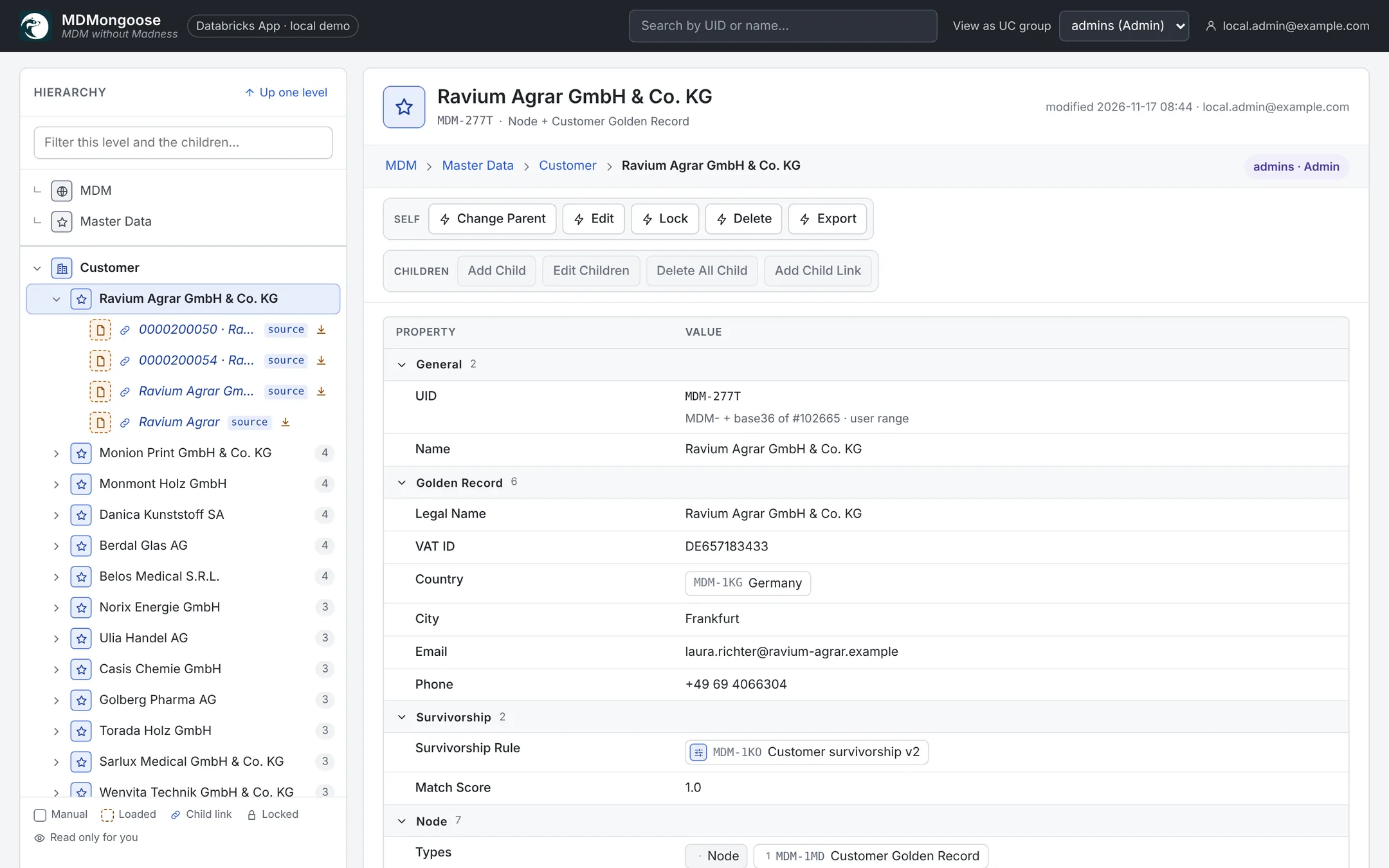
- Open the app (Compute → Apps → mdm). You land on the root of the hierarchy, MDM.
- Browse: System holds the definitions, Model your NodeTypes, tables and rules, Reference Data the loaded source records and Master Data the golden records. → User guide
- Load your own data: put a source table with change data feed into
mdm_staging, create a Table node and click Load Childs. → Importing data - Build golden records with a survivorship rule and Refresh Golden Records. → Creating master data
Key ideas
- Everything is a node. Reference values, source records, golden records, NodeTypes, PropertyTypes, actions, rules and permissions are all rows of the same table and all appear in the same tree.
- Types are interfaces. A node can have several types; it shows the union of their properties and actions.
- People win over automation. When someone edits a value that a load or a golden-record refresh produced, the value is marked UserDefined and automatic updates leave it alone.
- Permissions follow the tree. The first Steward list from the root grants access; lists further down can only narrow it.
Try it without Databricks
The repository runs locally with an in-memory demo: pip install -e ".[app,dev]" and scripts/dev.sh, then
open http://localhost:5173. Handy for evaluating the UI before you deploy.